A new Radeon that initially worked beautifully on Linux. Then games where both monitors suddenly went black and the GPU fan shot to full speed. No useful final error message. I did not return the card. I wanted to understand why.
Why I tried AMD at all
I have no particular allegiance to NVIDIA, AMD or Intel. A graphics card should run my software, perform well and, one small aesthetic requirement, preferably be white. But my RTX 3060 Ti sometimes caused trouble on self-configured Linux systems: Gentoo would be running well until a game, driver update or OBS problem started another round of troubleshooting.
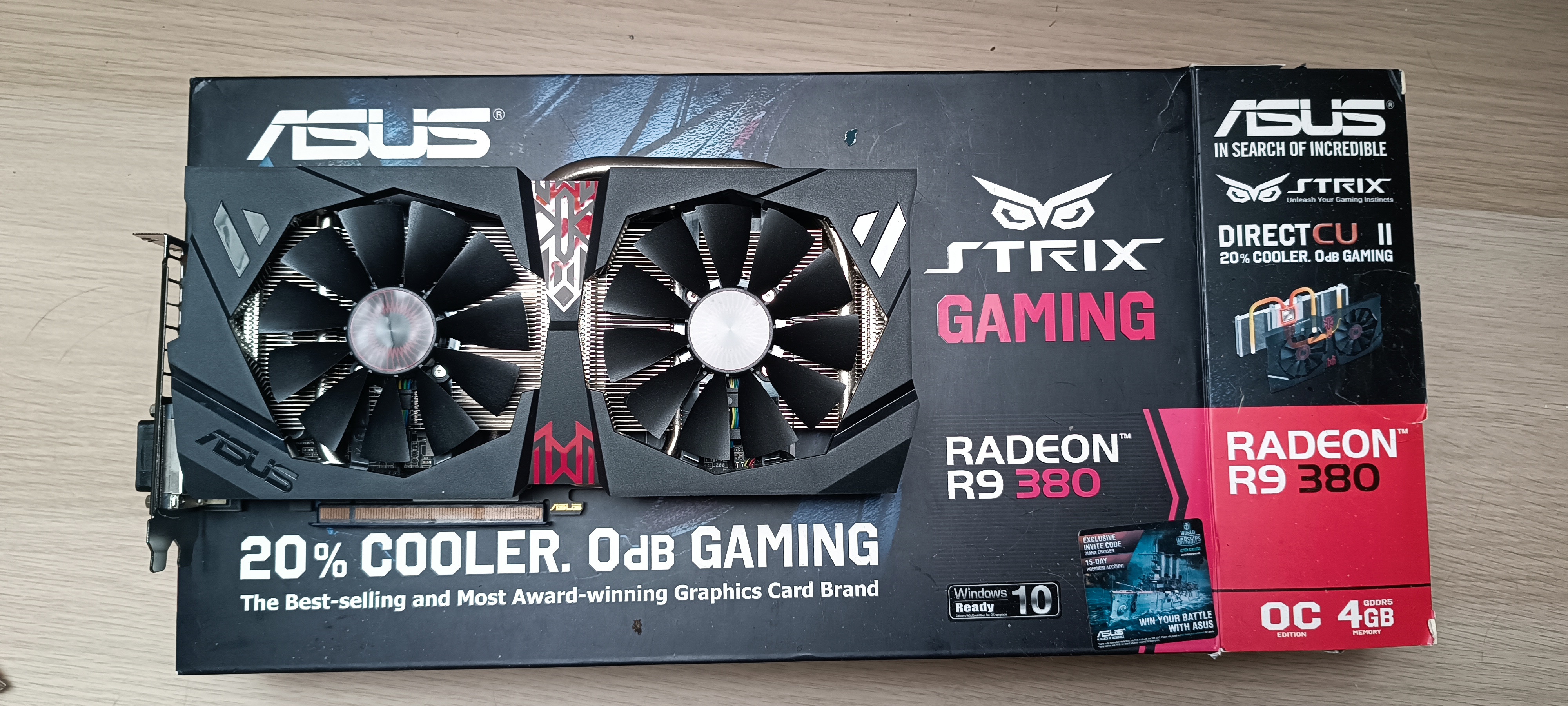
I found an old ASUS Strix Radeon R9 380 for €20 on a local classifieds site. I installed another M.2 SSD, put the card in and freshly tried Arch, Debian and Gentoo. OBS, Steam, Lutris and WoW Classic all worked beautifully. Debian was sometimes the awkward one when I wanted newer drivers, but the basic compatibility test passed.
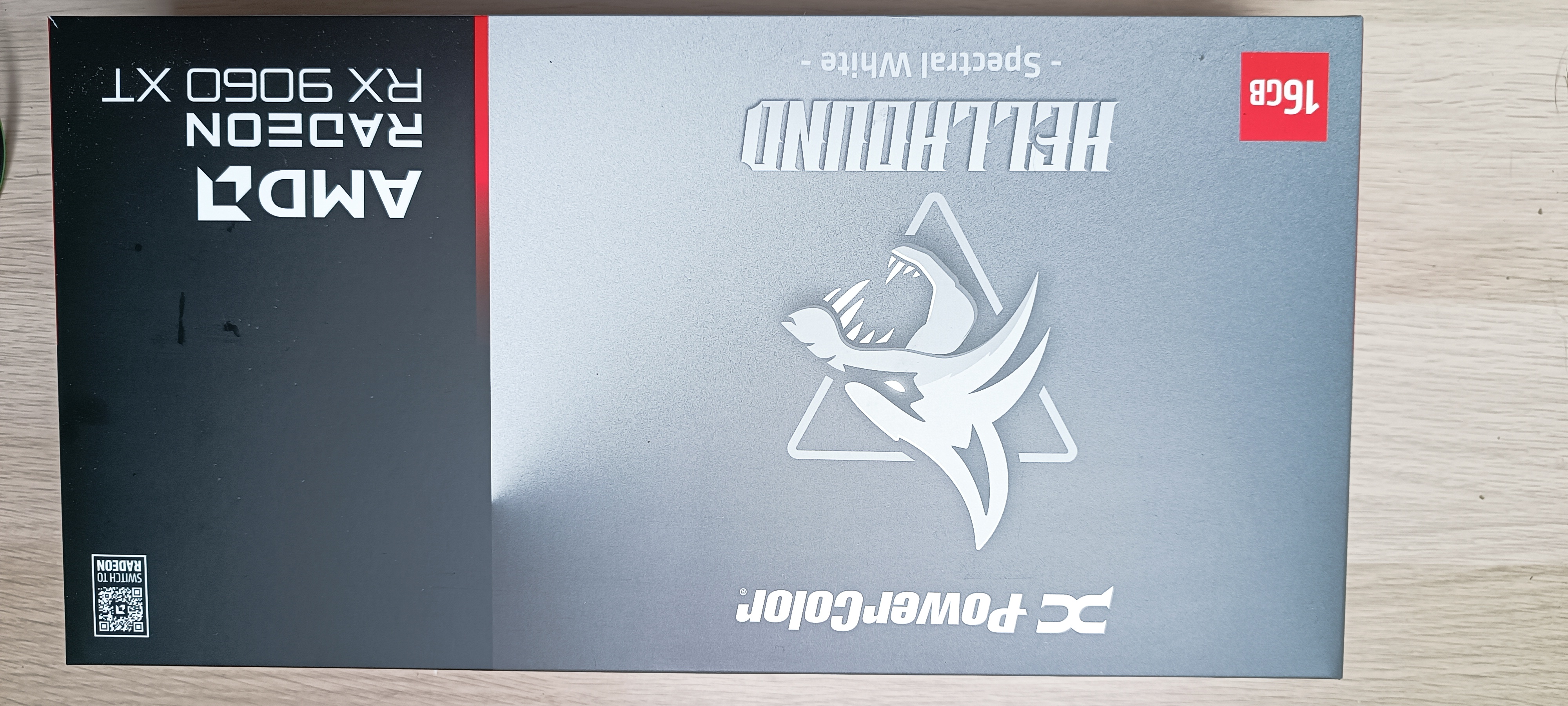
Then I loaded Baldur's Gate 3. The aging R9 380 simply did not have the performance. I had already seen the white PowerColor RX 9060 XT Hellhound Spectral White 16 GB online and liked it. When the next paycheck arrived, the €20 experiment became an actual GPU upgrade.
At first it all worked
With the Hellhound I mostly played Baldur's Gate 3 and WoW Classic. Both were excellent. The RX 9060 XT was not a failure from day one. I discovered the serious issues later, when I wanted to see some eye candy and started S.T.A.L.K.E.R. 2 and other titles that I had previously neglected.
System and graphics updates had happened in the meantime. I cannot prove that those updates caused the crashes: I had not performed comparable tests in those games before. Sequence in time is not proof of causality.
Four games, different failure modes
| Game | Earlier Linux behavior |
|---|---|
| S.T.A.L.K.E.R. 2 | Standing, looking around, shooting or reloading could work; walking into the world caused 1–2 second stalls or hardlocks, black monitors and 100% GPU fan. |
| Arma 3 | Immediate hard blackout when entering the game world, before actual play could begin. |
| Assassin's Creed IV: Black Flag – Resynced | Hard crash after two or eight minutes; measured temperatures looked normal. Not Assassin's Creed Origins. |
| Quake RTX | Both displays entered standby but audio and game controls continued. Switching toward a virtual terminal silenced the game; switching back restored its audio. LocalSend even received a file from my phone. Video output never returned. |
| WoW Classic / Baldur's Gate 3 | Both remained stable. High GPU load alone cannot fully describe the failure. |
In particular, Quake RTX was not the same as a whole-system hardlock. A game accepting inputs and a computer receiving a network file demonstrate that important parts of the operating system were still functioning. Black displays alone do not identify whether the failure lies in display output, rendering, a driver, PCIe or the entire machine.
Cthulhu, at least say OUCH before you die
The frustrating part was how often there was no useful AMDGPU error in the journal immediately before the worst crash. I saw a previous Arch message resembling amdgpu: device lost from bus, but mostly got black monitors, a roaring GPU fan and a forced restart. I was not even demanding an instant fix; I wanted the machine to shout “Ow, my leg!” before going down.
During a violent GPU/PCIe failure, the kernel may not get a chance to generate or persist a meaningful message. Missing logs are not evidence of a healthy driver stack. I watched live journal output and tried to isolate hardware factors too.
journalctl -kf -o short-monotonicThis command follows new kernel messages. A severe lockup can still happen without a useful final line.
Riser out, NIC out, games moved between drives
I tested the GPU with the PCIe riser and directly in the motherboard. I varied BIOS/PCIe settings, even removed the 10 GbE network card connected to my NAS, and tested the PSU's original PCIe cables instead of the white sleeved extensions. None of those changes eliminated the crashes.
At one stage the observed PCIe topology was: 00:03.1 Root Port → 53:00.0 Switch Upstream → 54:00.0 Switch Downstream → 55:00.0 GPU, with a reported 8 GT/s ×8 link. Worth investigating, yes; proof of root cause, no – especially because direct-slot tests failed too.
My power supply is from Corsair, but I cannot currently verify its exact model or capacity. I remember one 6+2-pin and one 6-pin PCIe power connection. That already ruled out GPU choices requiring two full 8-pin leads. Toggling the Hellhound's OC/Silent dual BIOS produced no useful change. I considered firmware flashing strictly as a last resort; I never did it.
A second suspect: SATA CRC errors
Alongside game stalls, the kernel reported BadCRC, READ FPDMA QUEUED and hard SATA link resets around ata2 and a Samsung 860 EVO. Those were real findings, but they need their own cable/port investigation.
To keep the problems apart, I relocated games from the SATA SSD to my system NVMe and also tried the other NVMe drive. The GPU hardlocks persisted at the time. That weakens the SATA SSD as a sole explanation. It does not mean the SATA link is healthy; cable and port tests are still on the to-do list.
The same S.T.A.L.K.E.R. route, a different OS
I kept a separate Windows 11 NVMe around, primarily for Battlefield. That gave me a useful control: same S.T.A.L.K.E.R. 2 save, Continue, spawn point and a lap around the base, with graphics broadly maxed out and the same RX 9060 XT. Under Windows that route completed without issue. Battlefield also ran as usual.
That is much more informative than comparing to an unrelated benchmark, but still not a mathematical proof against hardware. Windows and Linux exercise different graphics and driver paths, and every setting need not be identical. It made the Linux-specific execution path a stronger suspect.
112 watts: a hypothesis, not a miracle cure
I have capped WoW Classic at 60 FPS for years, even on a 144 Hz monitor. Why burn extra power for a game that already runs beautifully? Earlier Windows undervolting experiments had shown me substantial power savings. So I wondered: Could the PSU, power cable or a transient load be involved?
I cut the GPU power limit from 160 to 112 W. It prevented some hard crashes initially, but not reliably: the short stalls remained and not every full crash disappeared. Changing a power cap changes clocks and operating states as well. The result could not establish a broken power supply. At 112 W, Arma 3 still hard-crashed; Quake RTX lost display output while the game and LocalSend continued running. Black Flag Resynced still suffered intermittent blackouts after roughly 3–10 minutes of gameplay.
Beta kernels, Mesa versions – and finally 26.2.4
Deep in forum discussions I found other Linux/RDNA4 users with somewhat similar issues. That made a known or actively investigated software problem plausible. I tried a newer beta kernel; no improvement, sometimes worse. Other Mesa candidates were unsuccessful too. Two promising suggestions caused faster blackouts on my machine. I no longer know their exact version numbers and will not invent them.
I changed one variable at a time, tested it, and only then moved to the next. Eventually I tried Mesa 26.2.4. This was the first version I tested where Arma 3 no longer crashed immediately on world entry and S.T.A.L.K.E.R. 2 was playable for longer periods at normal power. The kernel and firmware remained standard NixOS packages; I explicitly override Mesa in configuration.nix, including its 32-bit component.
boot.kernelPackages = pkgs.linuxPackages_latest;
# Within hardware.graphics:
mesaVersion = "26.2.4";
# Both 64-bit and 32-bit Mesa are overridden
Intentionally abbreviated illustration, not a full copy-and-paste Nix expression. Cthulhu configuration archive. No persistent extra AMDGPU kernel tuning is shown in the provided configuration.
With that Mesa stack I raised the limit in controlled steps: 112 → 120 → 130 → 140 → 150 → 160 W, using S.T.A.L.K.E.R. as the test. The previous immediate failure did not return. This is evidence that changing the graphics software stack mattered in my tests. It does not identify a proven upstream fix commit.
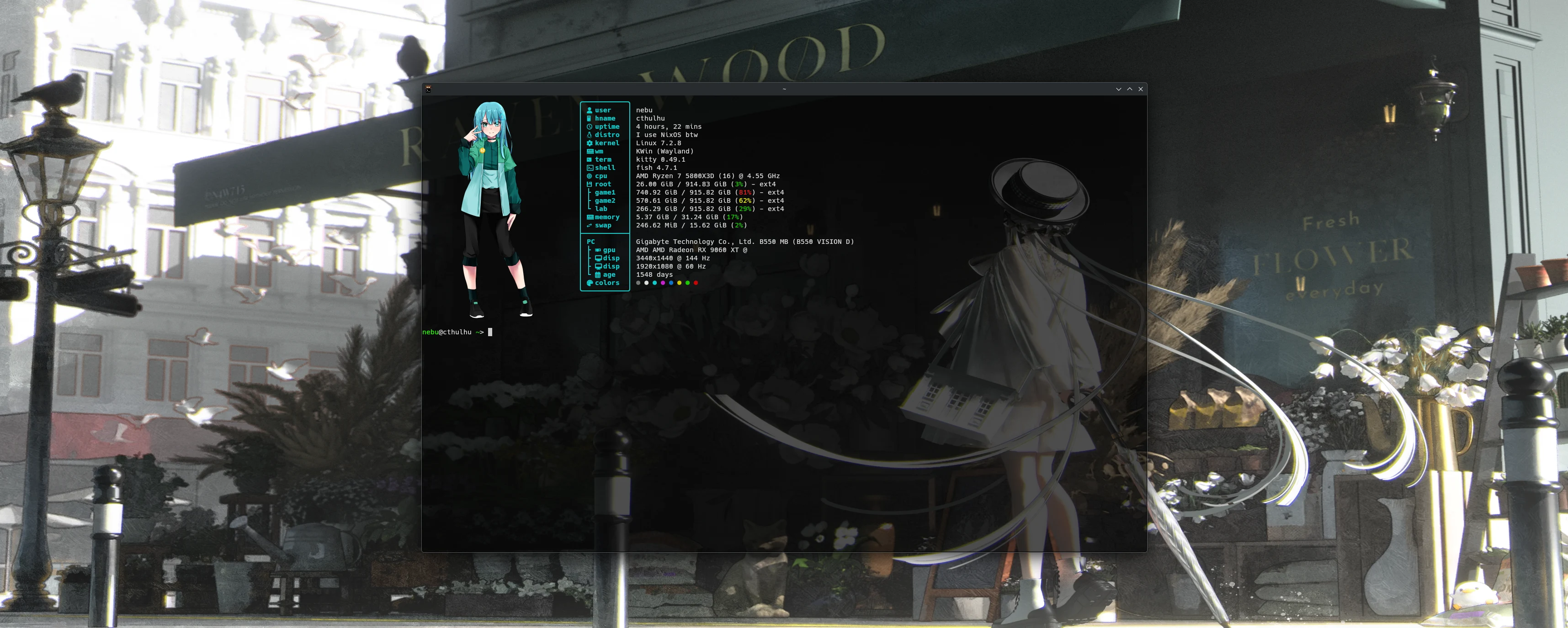
CTHULHU CRASH LAB: compare the evidence
This is a static browser-side presentation of my notes. It does not probe your hardware, change settings or perform live diagnosis. Pick a case and compare its historical symptoms, the reduced-power experiment and the currently tested software stack.
CRASH LAB / CASE STUDY
One variable at a time
Where we stand after about ten hours
| Game | Mesa 26.2.4, 160 W observations |
|---|---|
| S.T.A.L.K.E.R. 2 | 2 hours, no issues on my usual route |
| Arma 3 | About 1 hour; tested weapons on dummies and flew a helicopter |
| Quake RTX | Retested with no display loss |
| War Thunder | About 1 hour without issues |
| Watch Dogs 2 | About 1 hour without issues |
| Assassin's Creed IV: Black Flag – Resynced | One hard crash after roughly 2 hours |
| WoW Classic / Baldur's Gate 3 | Still stable |
The individual times above belong within an approximately estimated total playtime; do not add them as independent extra hours. Mesa 26.2.4 was my first tested version with this level of improvement. The underlying bug has not been conclusively identified or fixed.
Like working on my TS 250 X: change a jet, then test
My troubleshooting rule is the same as when I work on my motorcycle. Just last week I was working on my TS 250 X. If I change the main jet, air filter and needle position at the same time, I can no longer tell which change had which effect. So I change one thing and test it.
I used the same principle for the riser, PCIe, storage, power cables, kernels and Mesa. No, I never seriously wanted to return the Hellhound. I had my own NVIDIA problems, and switching brands does not answer the question.
So my conclusion is neither “AMD is broken” nor “Mesa 26.2.4 definitely fixed everything.” It is: Do not give up. Finding out why something behaves that way means you learned something. Cthulhu is largely playable again; the final root cause remains an open question.
Sources, reproducibility and limitations
The original hardware photos, configurations and screenshots come from the Cthulhu Computer Museum record. The public Cthulhu configuration archive documents Linux setups but does not preserve every old test. Technical background: Linux kernel AMDGPU documentation, Mesa documentation and ArchWiki AMDGPU. Game durations, failure symptoms and choices are my own observations.
Still unknown: exact power-supply model, failed Mesa version numbers, the particular upstream fix (if any), and the SATA cable/port tests yet to be carried out. These results are no guarantee for other Navi44 GPUs and not an invitation to flash firmware.